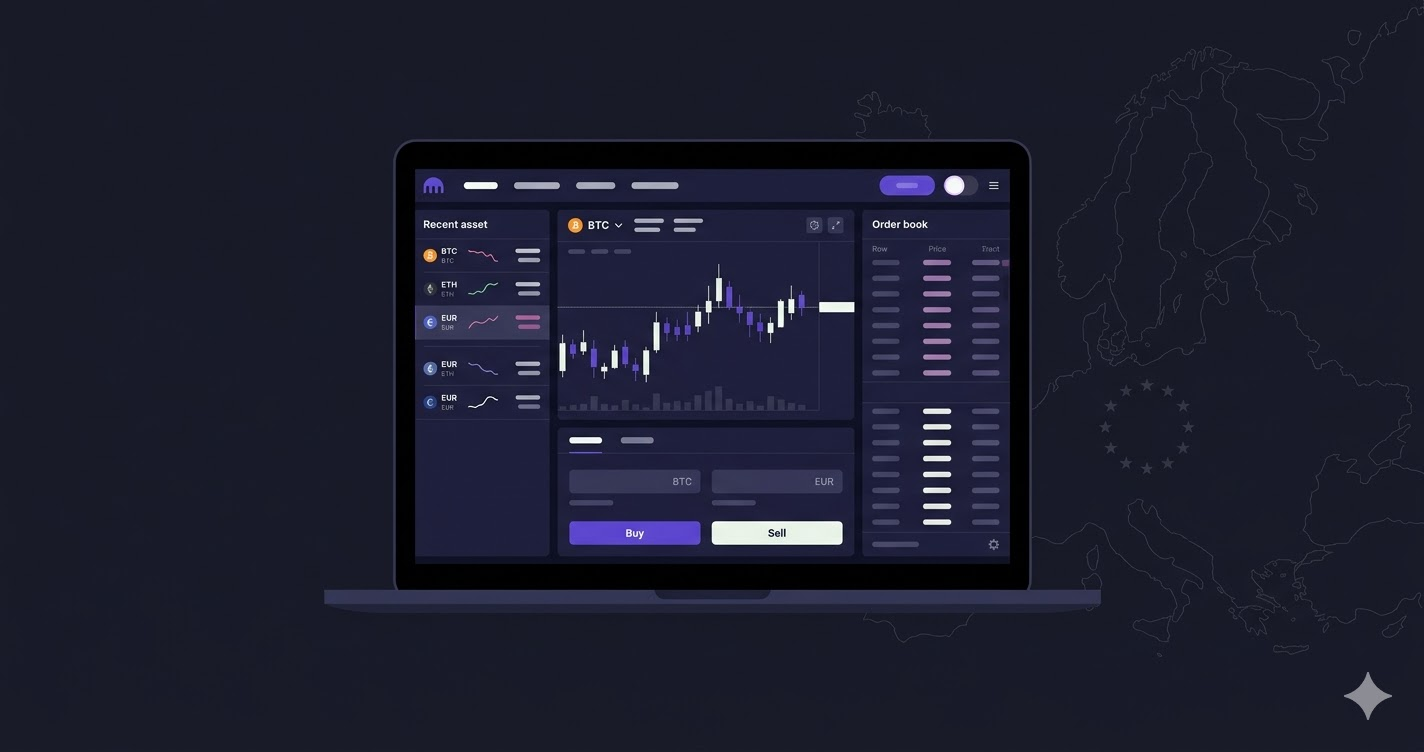
How to Use Kraken: Step-by-Step Guide 2026
Kraken is one of the most regulated and trusted cryptocurrency exchanges in the world. Founded in 2011, it holds a MiCA licence across the European Union and has an unblemished security record — it has never been hacked. Whether you are buying Bitcoin for the first time or moving away from a less regulated platform, this guide walks you through every step.
This article contains affiliate links. If you sign up through them, we may receive a commission at no extra cost to you.
Step 1: Create your Kraken account
Go to Kraken and click “Create account”. Enter your email address and choose a strong password (at least 12 characters, mixing uppercase, numbers and symbols).
You will receive a confirmation email — click the link to activate your account.
Tip: Enable two-factor authentication (2FA) immediately under Settings → Security. Use an authenticator app such as Google Authenticator or a hardware key like YubiKey.
Step 2: Verify your identity (KYC)
To deposit and withdraw fiat currency, Kraken requires identity verification in line with anti-money laundering regulations. The process takes a few minutes:
- Go to Settings → Verification
- Select the Intermediate level (sufficient for fiat deposits and withdrawals)
- Upload a photo of your passport or national ID (front and back if applicable)
- Take a selfie following the on-screen instructions
Verification typically completes in 1 to 3 business days, though many users are approved within minutes if documents are legible and well-lit.
Step 3: Deposit funds
European users (EUR via SEPA):
- Go to Fund → Deposit → EUR
- Select “Bank transfer (SEPA)”
- Kraken will display a unique IBAN and reference — copy both
- Make a transfer from your bank to that IBAN, including the reference in the payment description
SEPA deposits are free and usually arrive within 1-2 business days.
International users (USD or other currencies): Kraken supports wire transfers in USD, GBP, CAD, AUD and other currencies. Fees and processing times vary by currency — check Kraken’s funding page for current details.
Step 4: Buy Bitcoin
Once funds are in your account:
- Click “Buy crypto” in the top menu
- Select Bitcoin (BTC) and your deposit currency
- Enter the amount you want to invest (minimum ~$10 / €10)
- Review the price and fees before confirming
- Click “Buy now”
Your Bitcoin will appear in your portfolio within seconds.
For lower fees: use Kraken Pro, the advanced interface included with your account. Limit orders cost just 0.16% (maker fee) instead of the standard 0.26%.
Already on another exchange?
If you are looking to switch from Binance or another platform, see our guide to the best Binance alternatives in Europe. Once you are on Kraken, use our Bitcoin investment calculator to model a dollar-cost averaging strategy and see historical returns.

Comments